Small business owners running trades, supply houses, clinics, or multi-location shops don't need custom inventory software until an off-the-shelf tool actively blocks the work. Custom inventory software for small business teams makes sense when your inventory model, integrations, or field workflow no longer fit inside Sortly, Zoho, or QuickBooks, and the workarounds cost more than a build would. This post is a plain look at when to build, when not to, what it costs, and what a right-sized project actually delivers.
We're Nando, a software studio in Tyler, Texas. We build internal tools for East Texas operators, and we turn down inventory projects almost as often as we take them on.
The signals that a SaaS tool has stopped fitting
Before pricing custom inventory software for small business use, look for these four patterns. If two of them describe your shop, a custom build is worth pricing. If only one does, you probably need a better configuration, not a new system.
- Your inventory isn't just items. It's items that are also kits. They're sometimes serialized. They get consumed on a job some days and sold over the counter on others. A plumbing supply house that also does installs. An HVAC shop where each truck is a mobile warehouse. A clinic that stocks disposables and resells supplements. Generic tools force you into one model, so half your team ends up working around it.
- Your workflow crosses three systems. Inventory lives in one tool, jobs in another, accounting in a third. Somebody, usually the office manager, spends six hours a week retyping numbers across them.
- You've hit the configuration ceiling. You can describe the feature you need. The vendor can't build it, or wants five figures a year on the enterprise plan to unlock it.
- The field doesn't match the office. A tech writes "used 3 of the 1/2 inch" on a paper work order. Two days later someone retypes that into the system. Sometimes.
Under any of those, the tool isn't the problem. The fit is.
What "custom" actually means for a small business
When we say custom inventory software for small business, we don't mean a six-figure ERP with a two-year timeline. We mean a focused internal web app that models your inventory the way you actually think about it, and connects to the systems you already use instead of replacing them.
A typical build we ship looks like this:
- A clean web dashboard the office can pull up on any browser.
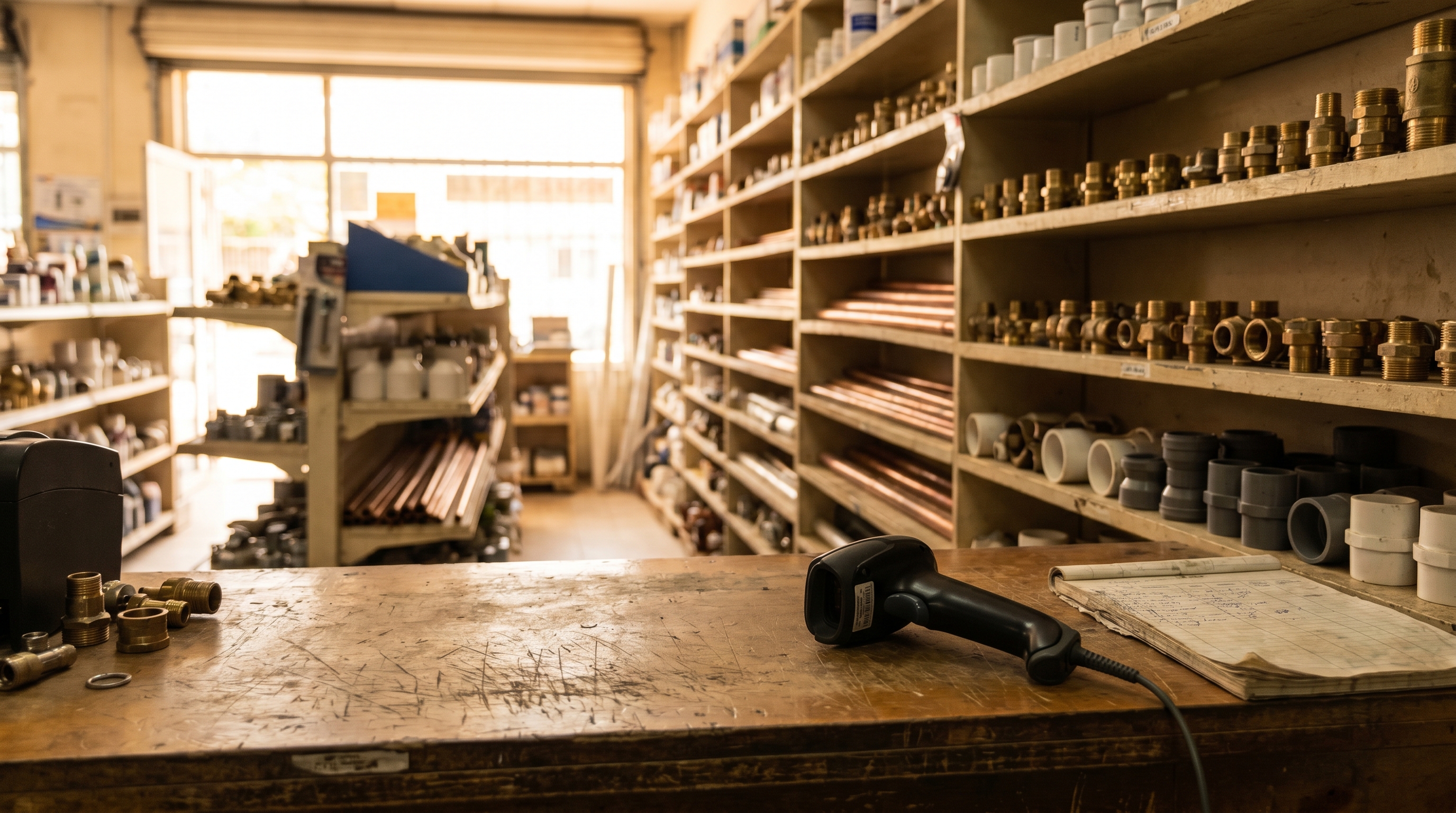
- A phone-first interface for the shop floor or the truck, usable with one hand and a barcode scanner, with offline mode for spotty signal.
- A two-way sync with QuickBooks (or Xero) for costs and receipts, plus one or two integrations with the scheduling or field service tool you already run.
- Real-time stock levels by location, including trucks and satellite yards as locations.
- Alerts on the thresholds that matter, not a firehose of notifications nobody reads.
- Two or three reports that answer the questions you actually ask every month.
That's the scope. No modules you'll never use, no per-seat fees. The Small Business Administration guide to managing your business keeps returning to the same idea from a different angle: the win is fewer steps and fewer errors, not fancier software.
What a phase-one build actually looks like
Here's the shape of a typical phase-one custom inventory software for small business project in Tyler, Longview, or Kilgore.
Week 1 to 2. We spend time in your shop. We watch a receiving happen. We ride along with a tech. We count something with your team. The goal isn't a requirements binder, it's seeing where the friction actually lives. SaaS vendors skip this step because they can't; their product is already built.
Week 3 to 8. We build the core: items, locations, counts, transfers, and the two integrations that matter most. You get a working staging environment by week four and click real screens every Friday. That weekly cadence is the single biggest predictor of whether a build lands or drifts.
Week 9 to 10. Training, data migration from the spreadsheet or the old tool, and staged go-live. We're on site or on a call the first week after launch, because that's when the real questions surface.
The month after. Small fixes, a few workflow tweaks, a report you didn't know you needed until the data was in front of you. That's included, not a change order.
Cost typically lands between $18k and $45k. The range depends on integrations and on how unusual your inventory model is. Monthly hosting runs $150 to $400 all-in on a modern cloud stack. Compare that to what a 15-person team already spends on two or three partially-overlapping SaaS subscriptions plus the labor cost of reconciling them. The math usually works inside 18 months.
For the case-study version of this same math, we walked through a composite East Texas distributor build in our custom inventory software case study.
The features that actually move the needle
Every inventory tool pitches the same checklist: barcodes, low-stock alerts, multi-location, reporting. That's table stakes. The features that separate custom inventory software for small business teams from a good SaaS tool, in our experience:
- An inventory model that matches your language. If your team calls a thing a "roll," the software calls it a roll. If a "job kit" is seven items pulled together, the software treats it as a kit, not seven line items the dispatcher has to remember.
- Field capture that works with gloves on. Big tap targets. Offline mode for techs in a crawlspace or a rural job site. Sync when signal comes back.
- Role-based views. The tech sees a short list. The office sees the full picture. The owner sees the numbers. Nobody stares at a cluttered screen full of buttons that don't apply to them.
- A real audit trail. Who moved what, when, from where to where. For the moment a $400 part goes missing and you need to reconstruct the last two weeks.
- AI assist on the slow parts. Turning a photo of a delivery slip into a receiving record. Flagging counts that don't match recent job activity. Drafting the weekly stock email. Small wins individually, large wins compounded across a year. Harvard Business Review's coverage of automation in operations is the cleanest public source we've seen on why these small-cycle wins outperform big-bang ERP rollouts for teams under 50 people.
We cut dashboards nobody looks at, forecasting the data isn't clean enough to support, and customer portals nobody will maintain on almost every build.
Segment nuance in one paragraph
Inventory doesn't mean the same thing in every segment. For trades, inventory is really consumption: the truck is a mobile warehouse, techs write off parts against a job, and the app has to work with gloves on. For retail and counter sales, it's transactions, so speed at the register and a clean POS integration matter more than deep analytics. For distribution and supply houses, it's movement, with kits, contract pricing, and vendor lead times driving the model. For clinics, it's compliance plus consumables, with lot numbers and expirations captured at the point of use. A generic tool has to average across all of these. A custom build only has to serve one.
When we tell people not to build
Custom is the right call in specific situations, not every situation, and we turn down inventory projects fairly often.
If Sortly, Zoho, or QuickBooks inventory covers 85% of what you need, use one of those. Especially if you have fewer than ten people touching it. We'll help you configure it and send you on your way.
If you can't name the specific workflow that's bleeding time right now, you're not ready. Custom software built on a vague pain point turns into a vague product nobody uses.
If nobody on your team will own the rollout, don't start. Software without an internal champion dies within six months, no matter how well it's built. The tool is maybe 60% of the outcome. Adoption is the rest.
If none of those disqualifies you, a custom build probably pays back.
What you end up with
At the end of a good phase-one build, a few things are true that weren't before, and this is the real promise of custom inventory software for small business teams.
The office manager stops being a data entry clerk and goes back to the job you hired them for. The shop floor trusts the numbers on the screen. Month-end close speeds up because receivings and usage are already in the books. Two SaaS subscriptions get cancelled. And when the business grows, the software grows with it instead of becoming the ceiling.
That's what we build. Not another inventory app, but a piece of custom inventory software for small business operations that fits how your team actually works, then gets out of the way.
Frequently asked questions
How much does custom inventory software cost for a small business?
A phase-one custom inventory software for small business build for teams of 10 to 50 people typically lands between $18k and $45k, with monthly hosting of $150 to $400. Serialized inventory, multiple integrations, or complex kitting push that number up.
How long does it take from first call to go-live?
Eight to twelve weeks for a focused phase-one build. First working screens by week four. Go-live is staged, usually one team or one warehouse at a time, not a big-bang cutover.
Do we have to replace QuickBooks or our field-service software?
Usually no. We integrate with QuickBooks, Xero, ServiceTitan, Housecall Pro, or whatever you already run. Replacing accounting is a different project with a different risk profile, and we'll tell you when it's worth doing and when it isn't.
Can custom inventory software use barcodes and mobile scanning?
Yes, and it should. Any build we ship supports Bluetooth scanners and phone-camera barcode reads, with offline capture for warehouses and job sites where signal is unreliable. The scanner is often the highest-ROI part of the build.
Who owns the code and the data at the end?
You do. The source code, the database, and the hosting account are yours. We don't lock clients into a proprietary platform, because the whole point of custom is that you're not renting somebody else's roadmap.
If you've been patching around a spreadsheet or fighting the configuration limits of a SaaS tool, drop a line through the contact form on our site. First call is thirty minutes, no pitch. We'll tell you honestly whether a build makes sense, or whether you'd be better off staying where you are.